
style03
Everyone who played in the match helps out with logging.

Volleyball Team Members
Here’s How We Use the App
During the Match
We record the game with a video camera, keeping it rolling between sets so each match ends up as a single video file.
After the Match
Once someone uploads the video to YouTube, we start logging. We create a new match in the app, paste the (unlisted) YouTube URL under [Video Log], and begin logging the plays. Slow motion is super helpful when rallies get really fast near the net — but for most plays, normal speed is fine. Since we skip the breaks between rallies, it actually goes pretty fast!
After [Video Log], we also do [Add Details]. It’s not hard to use, but logging *everything* takes a while, so we usually focus on key stats. Our team always logs who made the serve receive and its quality grade (A–D), plus who hit each spike.
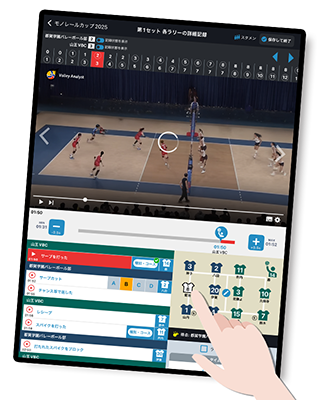
If we’re facing a team we’ve played before, we’ll go back and fill in any missing details from the previous match — then analyze everything together before game day!
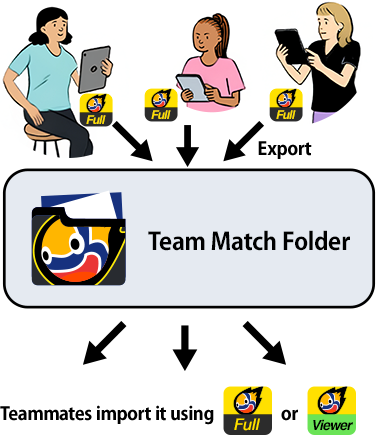
When someone finishes their part, they export it to the Team Match Folder so everyone can access it.
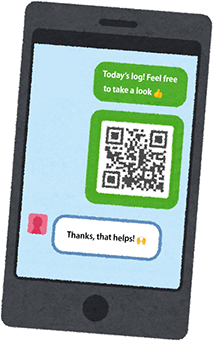
If we want to share a specific match with another team (like a scrimmage opponent) who’s not in our Team Match Folder, we just send them a QR code or import code.